![PingPong_Logo [Blue]-3](https://x.intl.pingpongx.com/hubfs/PingPong_Logo%20%5BBlue%5D-3.png)
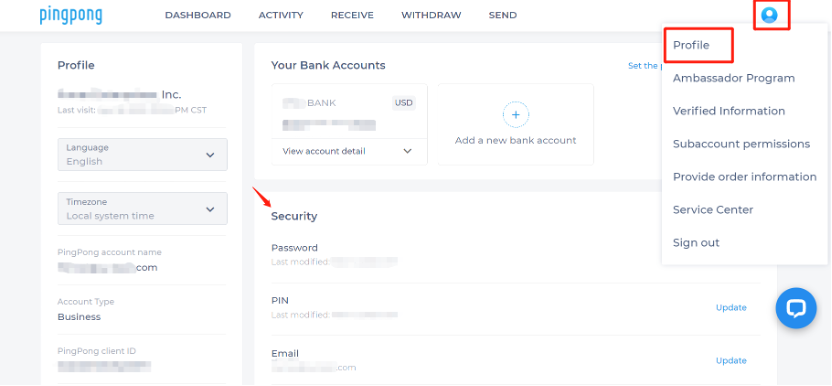
Step 1: Log in to your PingPong account and select the profile icon in the upper right-hand corner, select “Profile”, and then access your Security page.
Select “profile” to access the beneficiary account page.
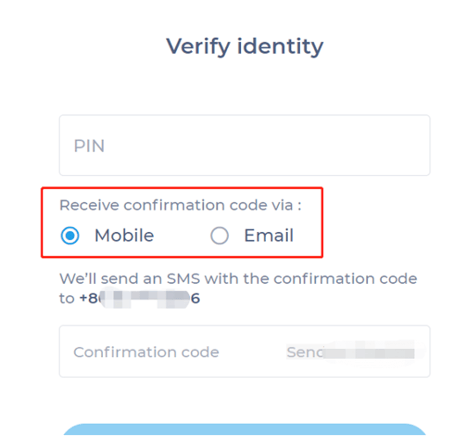
Step 2: Click Update and enter your PIN & choose how to receive confirmation code via Mobile or Email
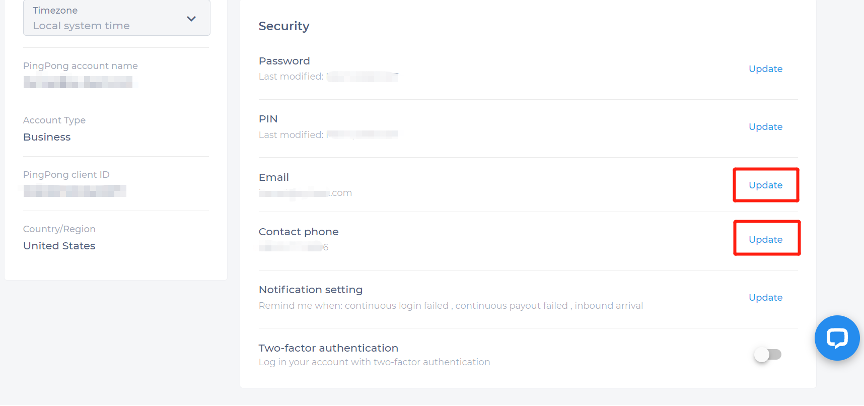
Step 3: Enter the verification code and update your latest email or contact phone information.
Still have more questions? Contact support today.