![PingPong_Logo [Blue]-3](https://x.intl.pingpongx.com/hubfs/PingPong_Logo%20%5BBlue%5D-3.png)
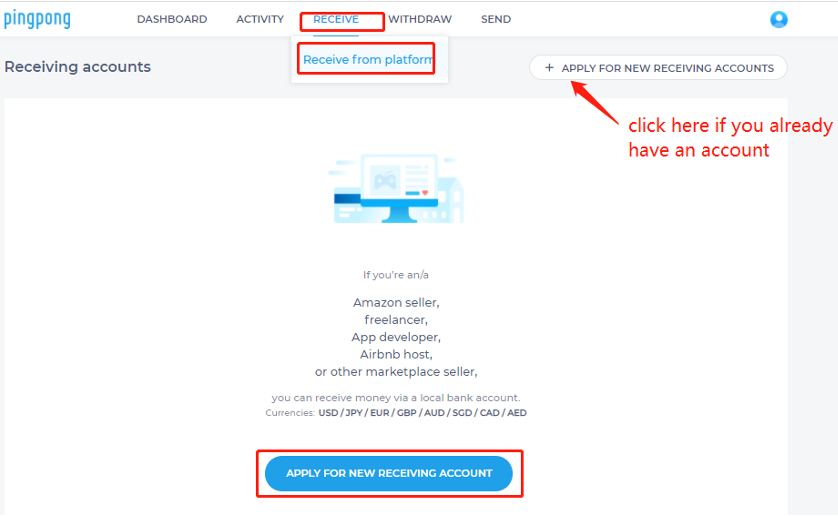
Step 1: Come to the application page by clicking receive from platform under RECEIVE tab. Find APPLY FOR NEW RECEIVING ACCOUNTS and click.
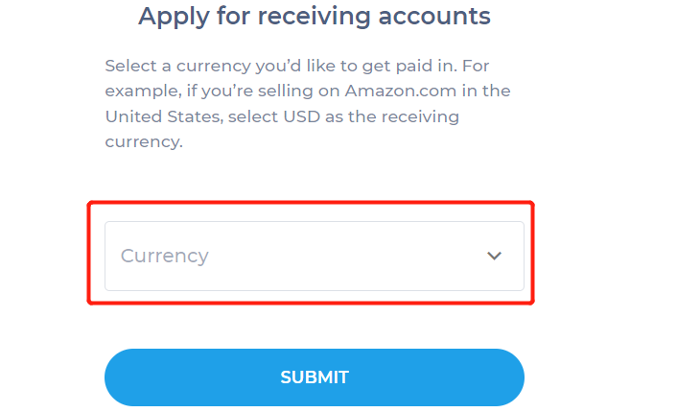
Step 2: Select a currency you’d like to get paid in.
Supported currencies: USD/JPY/EUR/GBP/AUD/SGD/CAD/AED.
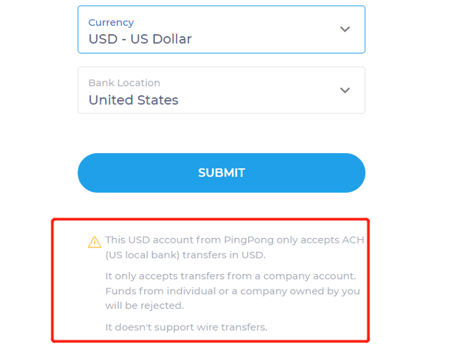
Please pay attention to the NOTE below (The specific transfer conditions depend on the currency applied): PingPong accounts only accepts local bank transfers in the currency you have chosen. It will only accept transfers from a company account. Funds from individuals or a company owned by you will be rejected. Receiving accounts do not support wire transfers.
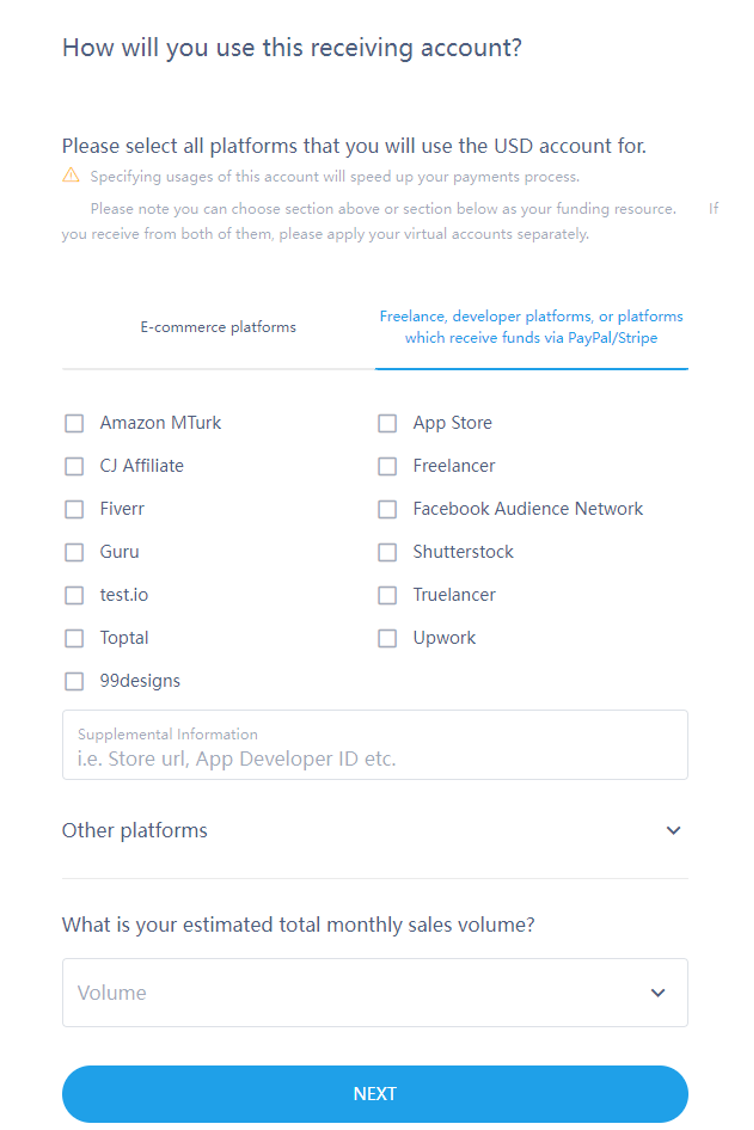
Step 3: Select the platforms:
A. E-commerce: Amazon, AliExpress, Coupang, Newegg ect.
B. Freelance, developer platform, or platforms that receive funds via PayPal/Stripe: App store, Freelancer, Facebook Audience Network etc.
Note: If you receive from both, please apply accounts separately.
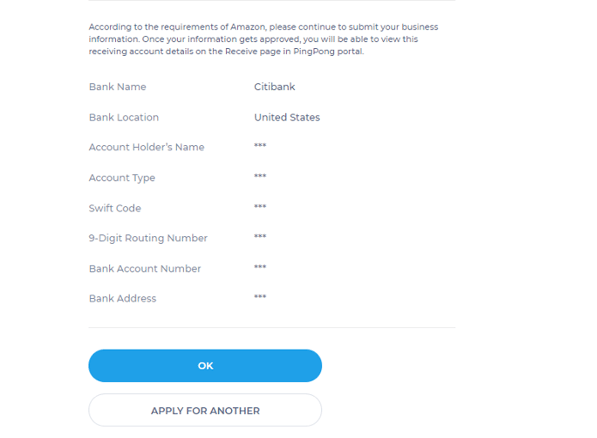
Step 4: Prompt that the application is successful.
Note: According to the Amazon requirement you need to submit business info and bank account info for verification before viewing the account details.
Still have more questions? Contact support today.