![PingPong_Logo [Blue]-3](https://x.intl.pingpongx.com/hubfs/PingPong_Logo%20%5BBlue%5D-3.png)
Step 1: Go to the Website: https://usa.pingpongx.com/index, click SIGN UP
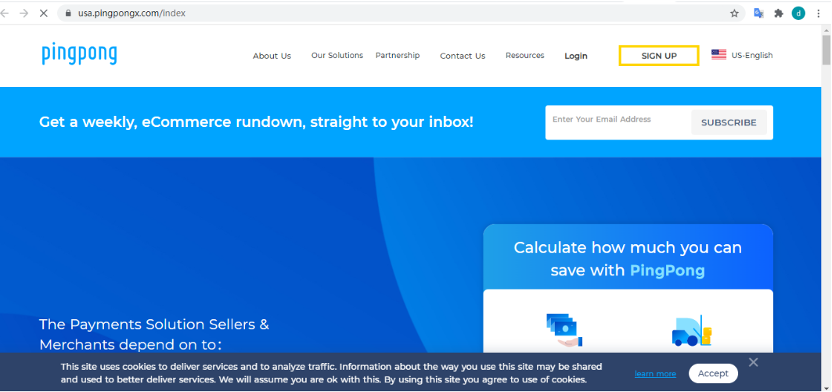
Step 2: Select the country and operating platform to register.
Supported countries: 41 countries and regions (US, CA, AU, EU, UK, JP, KR, VN, IN, HK, BD, TW, IR, SG, LK). EU countries include Australia, Bulgaria, Czech Republic, Greece, Hungary, Italy, Netherlands, Portugal, Poland, Spain, Sweden, Belgium, Croatia, Cyprus, Denmark, Estonia, Finland, Ireland, Latvia, Lithuania, Luxembourg, Malta, Romania, Slovakia, Slovenia, Switzerland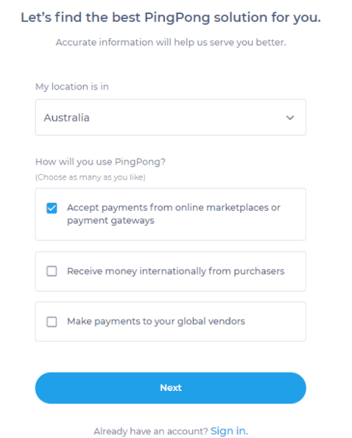
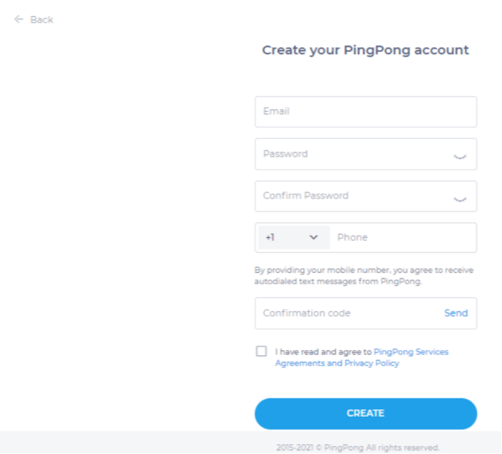
Step 3: Enter the Email address, password, and phone number, confirm you have read the service agreement, and click CREATE.
If you want to change the information of the country or operating platform, click the Back on the upper left corner to reselect.
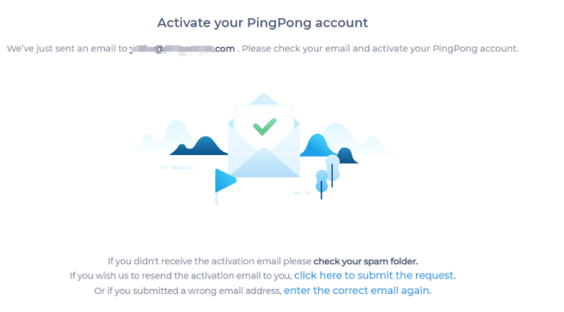
Step 4: Activate your PingPong account in your register email.
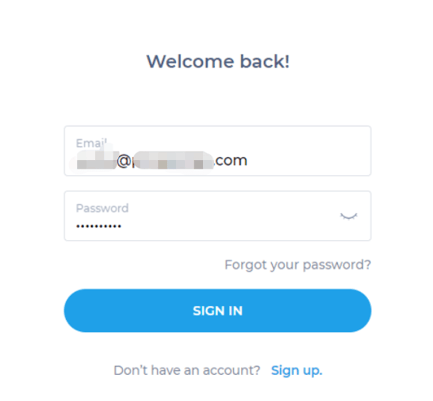
Step 5: Come to the log-in page if the email has been clicked to activate.
Step 6: Click START under the DASHBOARD, and complete the business information. 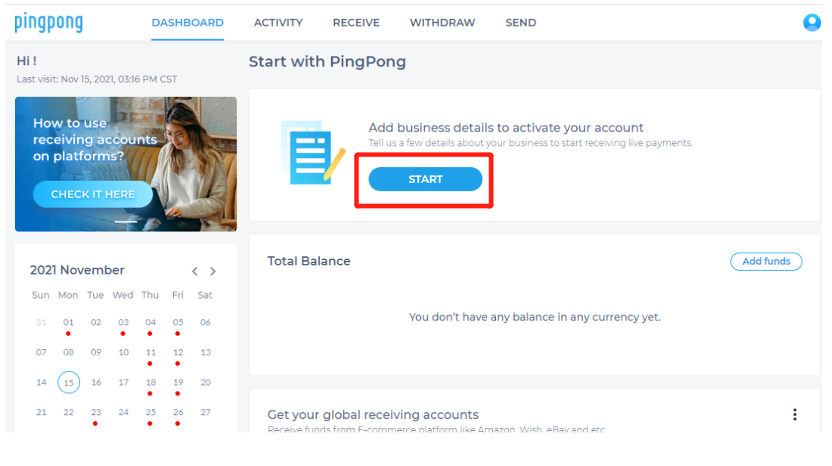
Step 7: Choose the location and account type (Business or Sole Proprietorship), and confirm the information.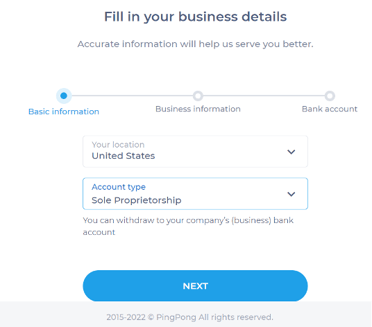
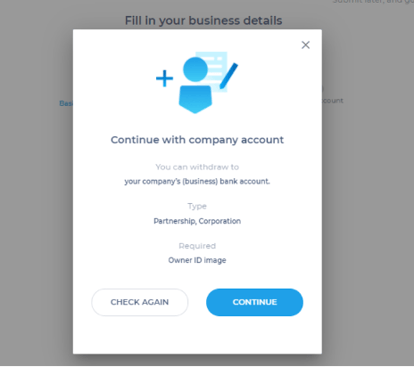
Step 8: Fill in your business details.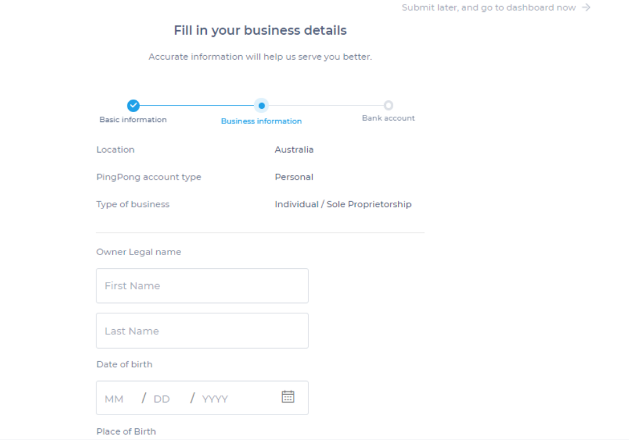
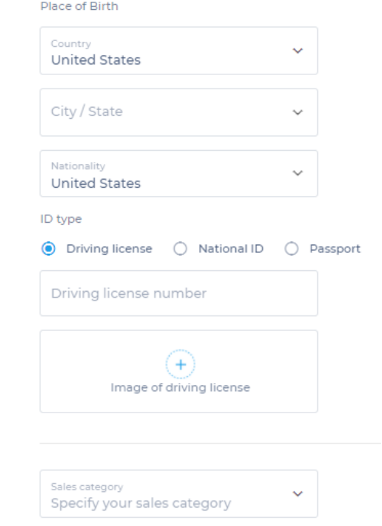
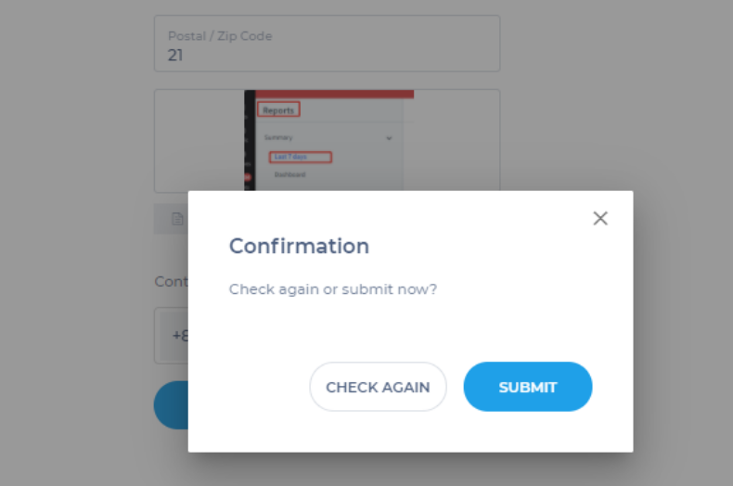
Step 9: Confirm the information again, and click SUBMIT if there are no issues.
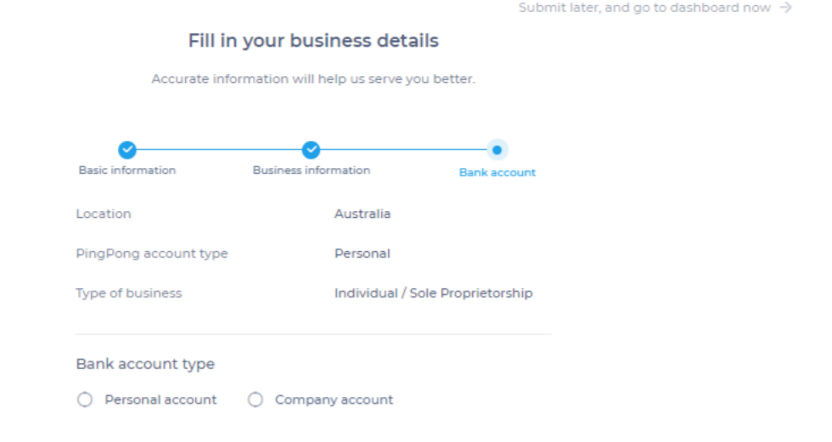
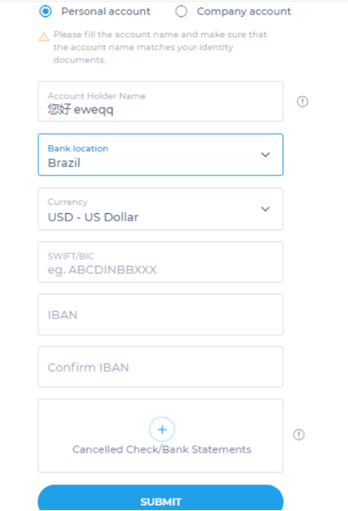
Step 10: After confirmation, you will enter the step of adding a bank account type for withdrawal, you can choose a personal or a business account.
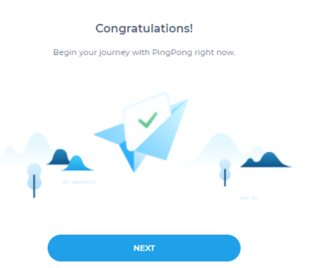
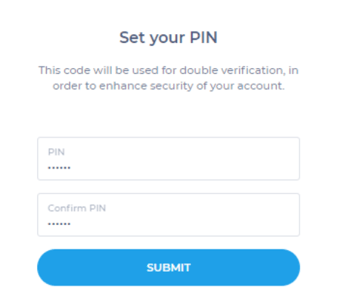
Step 11: This page shows that the registration was successful. Set your 6-digit PIN which will allow you to have the safest account for 2FA.
Step 12: After receiving the submitted notification, please wait patiently for 1-2 business days for the email notification.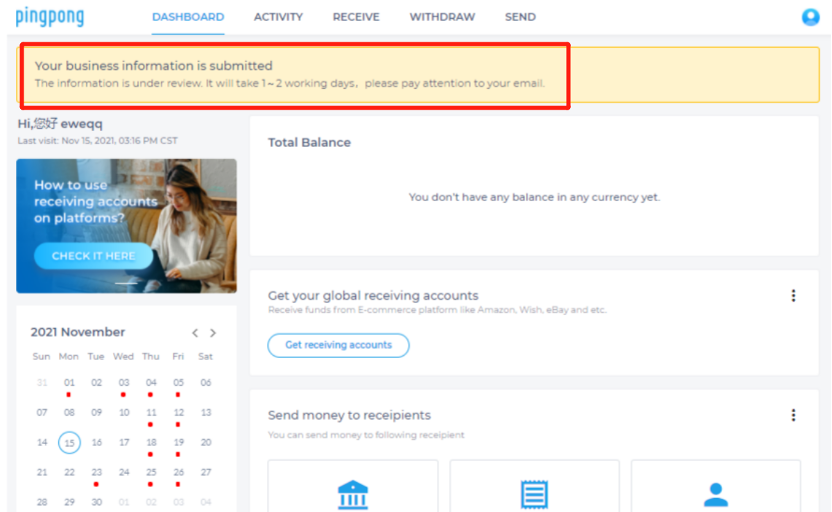
Still have more questions? Contact support today.